Samarth Portal Admit Card 2026: Download Hall Ticket, Login & Exam Guide
The Samarth Portal Admit Card 2026 is an important document for students appearing in university examinations conducted through institutions using the Samarth platform. Students can access their admit cards through their respective university student portals after the examination department generates and officially releases them. This guide explains how to log in, find the admit card section, download the PDF, check examination details, and resolve common problems.
Samarth is used by different universities and higher education institutions across India. However, every institution manages its own examination schedule, student records, admit card release dates, and portal settings. Therefore, the exact menu names and download process may vary. Students should always follow the latest notice published by their own university.
Samarth Portal Admit Card 2026: Quick Overview
| Details | Information |
|---|---|
| Portal Name | Samarth Student Portal |
| Document | University Admit Card / Hall Ticket |
| Academic Year | 2026 |
| Purpose | University Examination Entry |
| Login Details | University-issued username or enrolment credentials |
| Download Format | PDF, where provided by the university |
| Availability | After official generation and release |
| Release Schedule | Depends on the university and examination session |
| Official Platform Information | Samarth |
What Is a Samarth Portal Admit Card?
A Samarth admit card is an examination document issued by a participating university through its online student or examination system. It contains important information that helps identify a student and confirms their examination details.
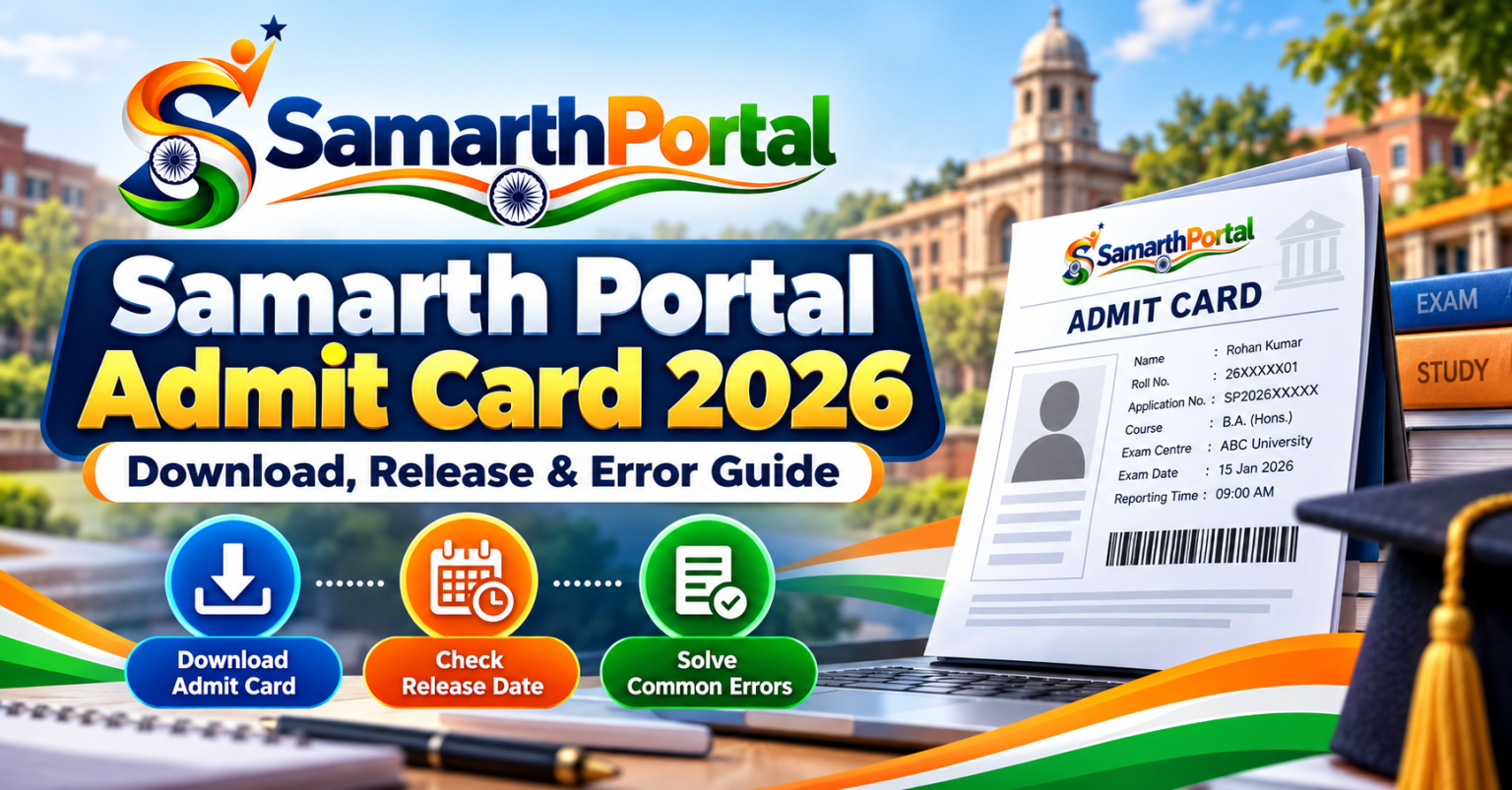
Depending on the institution, the admit card may include the student’s name, photograph, enrolment number, programme, semester, examination centre, subject codes, examination dates, and reporting instructions. Students should download the document from the official university portal rather than relying on unofficial websites or forwarded files.
When Will the Samarth Admit Card 2026 Be Released?
There is no single release date for all Samarth universities. Each institution publishes its admit card according to its own examination calendar. Some universities release hall tickets several days before examinations, while others may follow a different schedule.
The admit card option generally becomes available after the examination administration completes the required preparation and publishes the document for students. A portal may be working normally even when the admit card section is not visible.
How to Check the Release Date
- Visit your university’s official website.
- Open the Examination, Notifications, or Student section.
- Look for the latest admit card or examination notice.
- Check the programme, semester, and examination session mentioned in the notice.
- Follow the official Samarth portal link provided by the university.
- Check your student dashboard after the release announcement.
How to Download Samarth Portal Admit Card 2026
Students can generally download their hall tickets by signing in to the university’s official Samarth student portal. The following steps describe the common process. Your university may use slightly different menu names.
- Open your university’s official website.
- Find the Student Login or Samarth Student Portal link.
- Open the correct portal for your university.
- Enter your registered username or enrolment number, as requested.
- Enter your password and complete any displayed verification.
- Click the Login or Sign In option.
- Open the Examination, Exam Form, or Admit Card section.
- Select the relevant examination or semester if prompted.
- Look for View Admit Card, Download Hall Ticket, or Print Admit Card.
- Open the document and check all the details carefully.
- Download and save the original PDF to your device.
- Print the document according to your university’s instructions.
How to Login to the Samarth Student Portal
Before downloading an admit card, students must access the correct university student account. Login credentials and identification methods can differ between institutions.
Student Login Steps
- Visit the official university Samarth portal.
- Choose the student login option.
- Enter your enrolment number, examination roll number, or registered username as required.
- Type your account password.
- Complete the captcha or OTP verification if displayed.
- Click Login to open your dashboard.
- Navigate to the examination section.
Some portals also provide New Registration and Reset Password options. Use these features only when required by your university’s instructions. Do not create another account if you already have an active student account.
Details to Check on Your Admit Card
After downloading the hall ticket, carefully review every field. If any important information is incorrect, contact your university’s examination office before the examination.
| Admit Card Detail | What to Verify |
|---|---|
| Student Name | Spelling should match official university records. |
| Photograph | Confirm that the photograph belongs to you. |
| Enrolment Number | Check the complete identification number. |
| Roll Number | Verify your examination roll number. |
| Programme | Confirm your degree or course name. |
| Semester | Check the correct semester or year. |
| Subject Details | Review paper names and subject codes. |
| Exam Centre | Confirm the examination centre and address. |
| Exam Dates | Check dates and reporting times. |
| Instructions | Read all examination rules carefully. |
What to Do If the Samarth Admit Card Is Not Showing
One common problem students face is that the admit card section does not appear in their dashboard. This does not always mean that the portal is faulty. The university may not have released the document yet, or an earlier examination requirement may still be incomplete.
Possible Reasons
- The university has not officially released admit cards.
- The examination form has not been submitted.
- The examination fee payment is pending or unverified.
- Course or semester registration is incomplete.
- The student’s eligibility or academic record needs verification.
- The student is using the wrong portal or examination session.
- The university has temporarily disabled the download option.
How to Resolve the Problem
- Check the latest examination notice on your university website.
- Confirm that your examination form has been submitted successfully.
- Check the payment status and save the receipt.
- Verify your programme and semester details.
- Log out and sign in again through the official portal.
- If the problem continues, contact the examination section with your enrolment number and screenshots.
How to Fix Samarth Admit Card Download Errors
Sometimes the admit card is available, but students cannot open or download the PDF. These issues may be related to browser settings, internet connectivity, PDF viewing, or temporary server traffic.
| Problem | Possible Cause | Solution |
|---|---|---|
| Download button not working | Browser or script issue | Refresh once and try an updated browser. |
| PDF not opening | PDF viewer issue | Download the file and open it with a PDF reader. |
| Blank page appears | Temporary loading problem | Try again after some time. |
| Login failed | Incorrect credentials | Check your username and password. |
| Session expired | Inactive login session | Sign in again and repeat the process. |
| Website loading slowly | High server traffic | Wait and retry during a less busy period. |
| PDF opens in another tab | Browser download setting | Check browser tabs and download history. |
What to Do If Your Admit Card Has Incorrect Details
Students should not ignore mistakes on their examination hall tickets. Incorrect personal information, subject codes, semester details, or examination centre information may create problems during the examination.
If you notice an error, contact your college office or university examination section as soon as possible. Follow the official correction procedure and provide the supporting documents requested by the institution.
Steps to Request a Correction
- Download and save the admit card showing the error.
- Take a screenshot of the incorrect information.
- Contact the examination office or designated college authority.
- Provide your enrolment number and examination details.
- Attach relevant supporting documents if requested.
- Keep a copy of your correction request or complaint reference.
- Download the corrected admit card after the university updates your record.
What Should Students Carry on Examination Day?
Students should carefully read the instructions printed on their admit cards and the latest examination notice. Commonly required items may include:
- A printed copy of the official admit card.
- A valid university or government photo identity card, if required.
- Any additional document specifically mentioned in the examination notice.
- Permitted stationery and other approved examination materials.
Reach the examination centre before the reporting time. Check the centre address in advance and follow all instructions regarding prohibited items, entry procedures, and seating arrangements.
Samarth Admit Card: Mobile or Desktop Download?
Students may be able to access their Samarth accounts using a mobile browser or computer, depending on the university portal. However, a desktop or laptop can be more convenient for checking details, opening PDFs, and printing documents.
Using a Mobile Phone
- Use an updated browser.
- Keep a stable internet connection.
- Check the Downloads folder after saving the PDF.
- Use a reliable PDF reader to open the file.
- Switch to desktop mode if the portal layout is difficult to use.
Using a Computer
- Open the official portal in an updated browser.
- Sign in with your student credentials.
- Download the original PDF.
- Check all details before printing.
- Keep a digital backup of the admit card.
How to Contact Your University for Admit Card Issues
For examination-related problems, contact the office responsible for your university’s examination records. The Controller of Examinations, examination cell, college office, or university IT support team may handle different types of issues.
| Issue | Office to Contact |
|---|---|
| Admit card not released | University Examination Section |
| Incorrect student details | College Office or Academic Section |
| Examination form issue | Examination Cell |
| Payment status problem | University Accounts or Fee Support |
| Login or password issue | University IT Helpdesk |
| Portal technical error | University Samarth or Technical Support |
When contacting support, mention your programme, semester, enrolment number, examination session, exact portal URL, and the issue you are facing. Attach a screenshot or payment acknowledgement when relevant. Never share your password, OTP, card PIN, or CVV.
Important Safety Tips for Samarth Students
- Use only the Samarth portal link published by your university.
- Check the domain name before entering your login details.
- Never share your password or OTP with unofficial helpers.
- Avoid websites that ask for payment to download a free university admit card.
- Do not create duplicate accounts without university instructions.
- Save your examination form and payment acknowledgement.
- Download your admit card as soon as it becomes available.
- Keep a backup copy of the original PDF.
- Follow the latest examination notice rather than old screenshots.
Frequently Asked Questions (FAQs)
1. How can I download the Samarth Portal Admit Card 2026?
Visit your university’s official Samarth student portal, sign in with your credentials, open the examination or admit card section, and download the PDF if it has been officially released.
2. When will the Samarth admit card be released?
The release date depends on the university, programme, and examination session. Check the latest examination notice published by your institution.
3. Why is my Samarth admit card not showing?
The university may not have released it yet. Other possible reasons include pending examination forms, fee verification, incomplete registration, or student record issues.
4. Can I download my Samarth admit card on my mobile?
Yes, if your university portal supports mobile access. You can use an updated browser and save the PDF to your phone.
5. What login details are required to download the admit card?
Depending on the university, you may need an enrolment number, examination roll number, registered username, and password.
6. What should I do if I forget my Samarth password?
Use the Reset Password or Forgot Password option on your university’s student portal, if available. Follow the verification instructions provided by the institution.
7. What if my name or roll number is incorrect?
Contact your university examination section or college office immediately. Request an official correction and download the updated admit card after the university changes the record.
8. Can I appear in an examination without an admit card?
Admission to the examination centre is governed by university rules. Follow the official examination notice and contact the examination office if you cannot obtain your admit card.
9. Why does the admit card download button not work?
This may happen because of browser settings, temporary server issues, or a PDF opening in another tab. Try an updated browser and check your downloads.
10. Is the Samarth admit card the same for every university?
No. Universities configure their own examination modules, admit card formats, release schedules, and student requirements.
11. Can I use another university’s Samarth portal to download my admit card?
No. You must use the official portal assigned to your own university and examination session.
12. What should I do if my payment is deducted but the admit card is unavailable?
Save the transaction reference and payment receipt. Check the payment status on your portal and contact the university’s accounts or examination support team.
Conclusion
The Samarth Portal Admit Card 2026 is an essential examination document for students studying at universities that use the Samarth platform. Students should download their hall tickets from the official university portal, verify all examination details, and follow the instructions mentioned on the document.
If an admit card is missing, contains incorrect information, or cannot be downloaded, first check the latest university notice and your examination application status. For issues involving student records, payment verification, or official release, contact the appropriate university department instead of relying on unofficial websites.